Last updated: May 2026
Most marketing budgets go to waste before the first ad ever runs, because the website on the receiving end of all that traffic can't actually convert it. A marketable website is one that loads fast, performs on mobile, surfaces clear conversion paths, runs on current technology, and gives search engines a clean story to follow. If your site is missing any of those, you're paying to send qualified visitors to a leaky bucket. This guide walks through seven signs your website is holding marketing back, and what to fix before you spend another dollar.
Quick check: a marketable website does seven things well.
Before any digital marketing campaign goes live, the first question we ask at Major Tom is whether the client's website can receive and convert the traffic we're about to send it. Too often the answer is no — and the spend gets postponed until the foundation is solid. The seven signs below are the ones we see flagged most often in real audits.
Conversion points are the moments your visitor decides to act: a contact form, a quote request, a newsletter signup, an add-to-cart, a phone number tap. If they're buried below the fold, generic in copy, or identical on every page, your site is treating every visitor the same. It shouldn't.
A marketable website surfaces the right call to action in the right context. The CTA on a product page is different from the CTA on a service page is different from the CTA on a blog post. Each one is sized, coloured, and worded to do a specific job, and each one has been A/B tested at least once. The data that comes back from those tests should flow into your CRM, not sit dormant in a form plugin.
When we audit clients' sites, we frequently see a single "Contact Us" link in the top navigation doing the work of every conversion point on the site. That's a sign the website was built for the agency that made it, not for the customers who use it.
Mobile devices account for 53.65% of global web traffic versus 46.35% on desktop (StatCounter, April 2026). The original framing of "does your site shine on mobile?" is now upside down. Mobile is where most of your customers already are. Desktop is the secondary view.
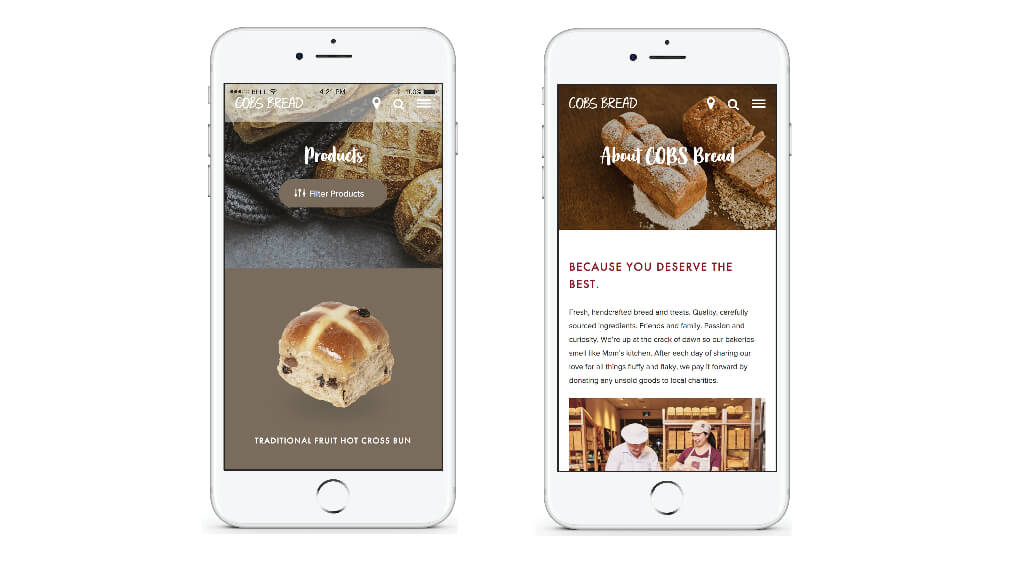
A marketable website is designed mobile-first, with touch targets sized for thumbs, navigation that collapses cleanly, and images that don't blow out the layout on a narrow screen. Page weight matters more on mobile because cellular networks are inconsistent. The same hero image that loads instantly on fibre can take six seconds on a commuter train.
This is also where Core Web Vitals show up. Interaction to Next Paint (INP) replaced First Input Delay as a Core Web Vitals metric on March 12, 2024 (Google Search Central), and the "good" threshold is INP under 200 ms. If your mobile site is sluggish to respond to taps, Google notices, your bounce rate climbs, and your paid traffic gets more expensive to convert.
Search engines favour sites built on current, well-maintained technology. That doesn't mean chasing the newest framework every quarter. It means your CMS is patched, your plugins are supported, your PHP version isn't end-of-life, and your hosting isn't holding the whole thing back.
The signals to watch: console errors in the browser, slow Time to First Byte, plugins that haven't been updated in two years, themes that no longer match a current design system. Any one of those by itself is fixable. Together, they signal a site that hasn't been maintained as an asset. Our deeper guide on website maintenance and optimization covers the cadence that keeps sites marketable year after year.
Every browser flags non-HTTPS pages as "Not Secure," and visitors read that label before they read your copy. Google has confirmed HTTPS as a ranking signal in its search algorithm since 2014, and in 2026 it's a floor, not a ceiling.
The common failure mode isn't a missing SSL certificate — it's mixed content. The page loads over HTTPS, but a single image, script, or font is still served over HTTP, and the padlock disappears. If that's where you are, our walkthrough on how to fix a website that is not secure covers the diagnostic and the cleanup.
A marketable website is one Google and AI can read, and customers can scan. That means meaningful copy on every page (not three sentences of filler under a stock photo), a content strategy that maps to what your audience is actually searching for, and a publishing cadence that signals the site is alive.
For most B2B and considered-purchase B2C brands, a blog or insights hub is still the spine of organic reach. For brands where a blog doesn't fit, a news or case study section serves the same purpose: fresh content, internal linking, and topical depth that gives search engines something to rank.

Accessibility is now a baseline expectation for any marketable website, not a finishing touch. WebAIM's 2026 analysis of the top 1 million home pages found that 95.9% had detectable WCAG 2 failures, averaging 56.1 accessibility errors per page — with low-contrast text (83.9%), missing alt text (53.1%), and missing form labels (51%) leading the list. The risk isn't theoretical. Plaintiffs filed 3,117 federal website accessibility lawsuits in 2025, a 27% jump from 2024.
Beyond legal exposure, accessible sites convert better because they're easier for everyone to use. Sufficient colour contrast, labelled form fields, descriptive alt text, keyboard-navigable menus — every one of those changes lifts usability metrics broadly, not just for assistive-technology users. Our team's dos and don'ts for accessible web development is a useful starting point if you've never run a WCAG audit.
Customers arrive at your site from an ad, a social post, an email, or a search result. They've already met your brand. If the website they land on looks like a different company, different photography, different tone, different value proposition, the trust gap kills the conversion before they scroll.
The fix is continuity, not a redesign. Click your own ads and walk the path a customer takes: the landing page should echo the campaign's headline, imagery, and offer within the first screen, and feel like the same brand that spoke in the ad. Where a campaign is doing real volume, send it to a page built to match rather than to the homepage. If paid traffic bounces harder than your site average, message match is the first thing to rule out.
If you only have a few hours, here's the order we'd run them in:
That sequence won't catch everything, but it will tell you whether the foundation is solid or whether you're pouring marketing spend into a site that can't hold it.
Your customers are evolving — the question is whether your web presence is keeping pace. Our piece on why your web presence has to evolve with your customers covers the behavioural shifts driving most of the audit findings above. Every fix on this list compounds. A faster mobile site lifts conversion, which lowers paid acquisition cost, which gives you more budget for content, which lifts organic, which compounds again. The opposite is also true. A site that hasn't been touched in three years quietly drags everything that depends on it.
If you're staring at a marketing plan and wondering whether the site can actually handle it, that's the moment to audit before you spend. Our web design and development team runs marketability audits as the first step in any engagement, and we'll tell you honestly whether the right move is a rebuild, a refresh, or a focused fix on the conversion paths. Find clarity in the chaos, and start your next campaign on a site that's ready for it.
A marketable website is one that can receive paid and organic traffic and convert it efficiently. It loads quickly on mobile, surfaces clear conversion paths, runs on current secure technology, publishes content your audience is searching for, and meets accessibility standards. If any of those pillars is missing, your marketing spend will underperform because you're sending qualified visitors to a site that can't close the loop.
Run a quick seven-point audit: check mobile load speed, locate the primary conversion path on each page, run PageSpeed Insights, check the browser console for errors, confirm HTTPS is enforced, run a free accessibility scan, and review bounce rate on your top landing pages. If two or more of those checks flag a problem, fix the site before you increase ad spend. The math always favours fixing the foundation first.
Conversion rate benchmarks vary widely by industry, traffic source, and visitor intent. A B2B lead-generation site might convert 2% to 5% of visitors into leads, while a refined eCommerce site can run 2% to 4% on transactions. The more useful benchmark is your own trend. If a redesign or optimization sprint moves conversion meaningfully against your own baseline (10% to 30%+), the work is paying off. Compare against yourself first, then against industry medians.
Yes. Mobile devices account for 53.65% of global web traffic versus 46.35% on desktop (StatCounter, April 2026). For many B2C categories the mobile share is significantly higher. Mobile-first design means the layout, navigation, and conversion paths are built for a phone screen first and scaled up to desktop, not the other way around. A site that only works well on desktop is missing more than half its audience by default.
Maintenance is continuous; redesigns are situational. Plugin updates, security patches, content refreshes, and Core Web Vitals checks should happen monthly. A full redesign typically makes sense every three to five years, or sooner if a rebrand, platform migration, or major business model change makes the existing site misaligned. Sites that compound never sit still; they get small improvements constantly and major reinvestment at predictable intervals.
Not strictly. A blog is the most common form of content engine, but a news section, a case study library, an insights hub, or a regularly updated resources area can fill the same role. What matters is fresh, indexable content that maps to what your audience is searching for and gives you internal linking opportunities. The format follows the audience. A B2B services brand and a fashion eCommerce brand will both publish, but they shouldn't publish the same way.
It depends on where you're starting. A focused fix to conversion paths, mobile performance, and HTTPS can take two to six weeks. A larger CMS migration or accessibility remediation can run two to four months. A full redesign is typically a three- to six-month engagement. The fastest gains usually come from conversion-path and performance work on the existing site, which is why we often run those first while a larger redesign is scoped.
The better the data you look at, the better the decisions you'll make